
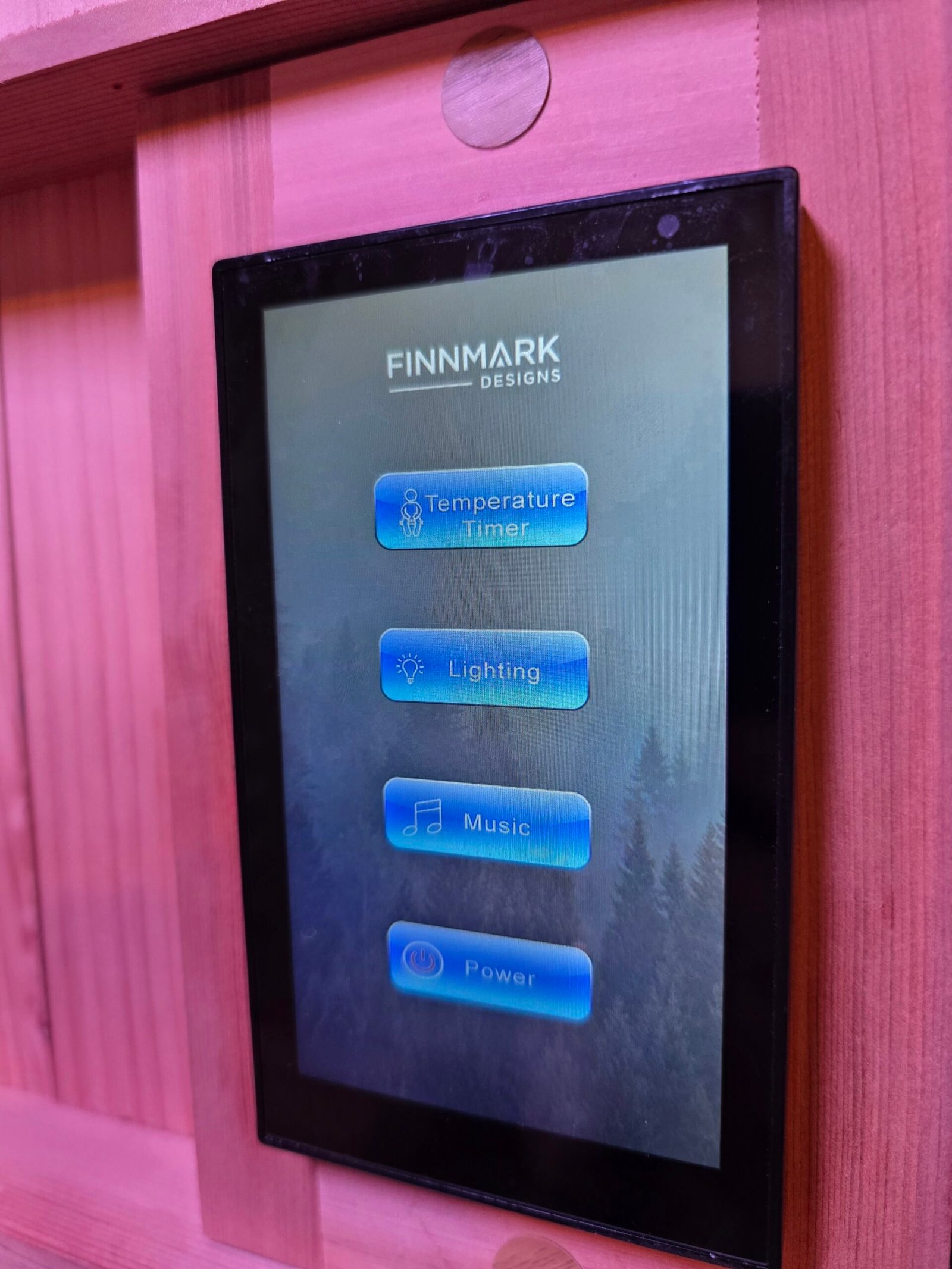
From the main menu, press the temperature/timer button.
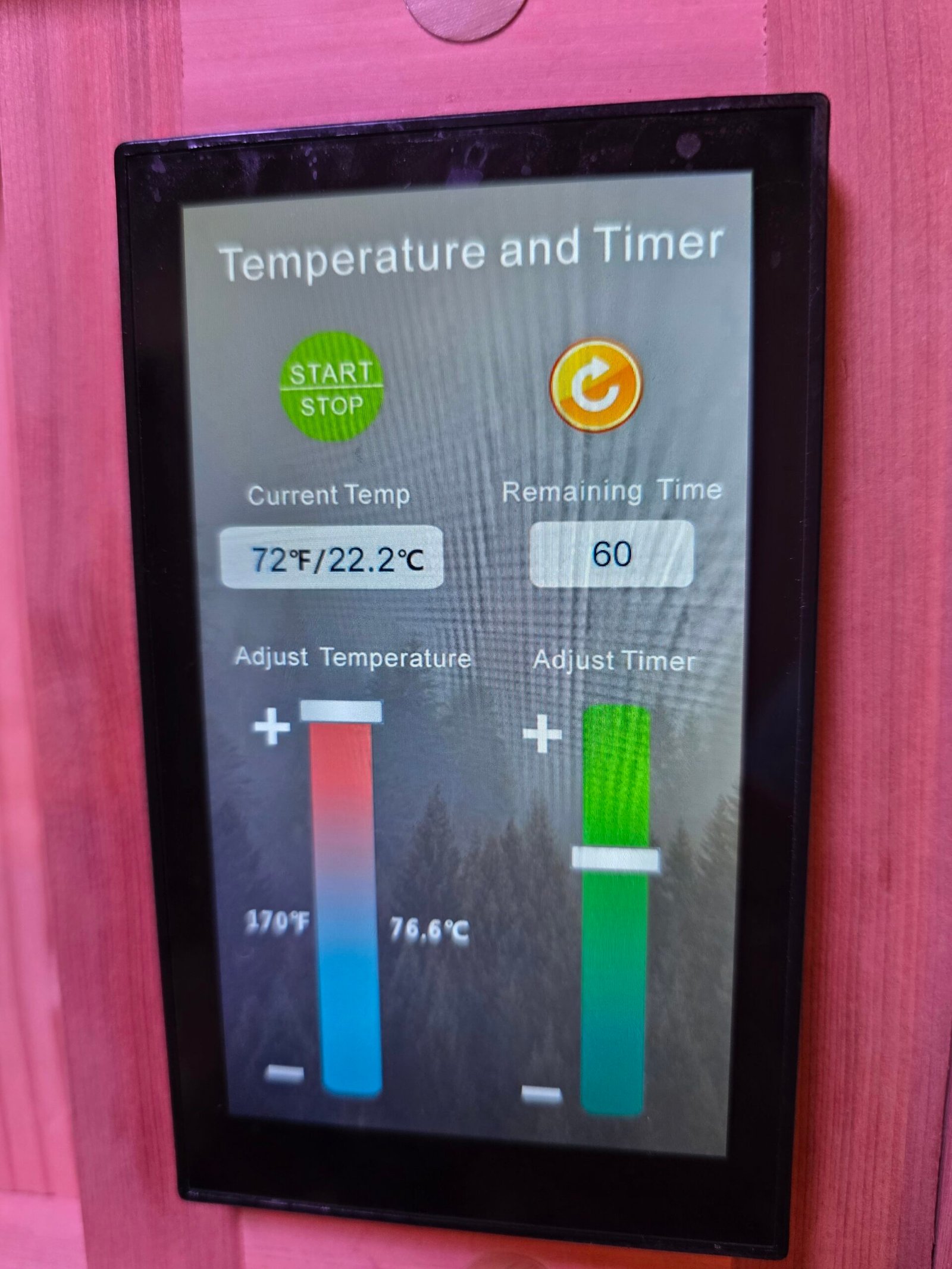
Make sure the Start|Stop button is green. If it is red, press it for a few seconds to release, and it should turn green. This indicates that the heaters are on. You can adjust the temperature or timer by pressing the bar and raising or lowering it as needed.
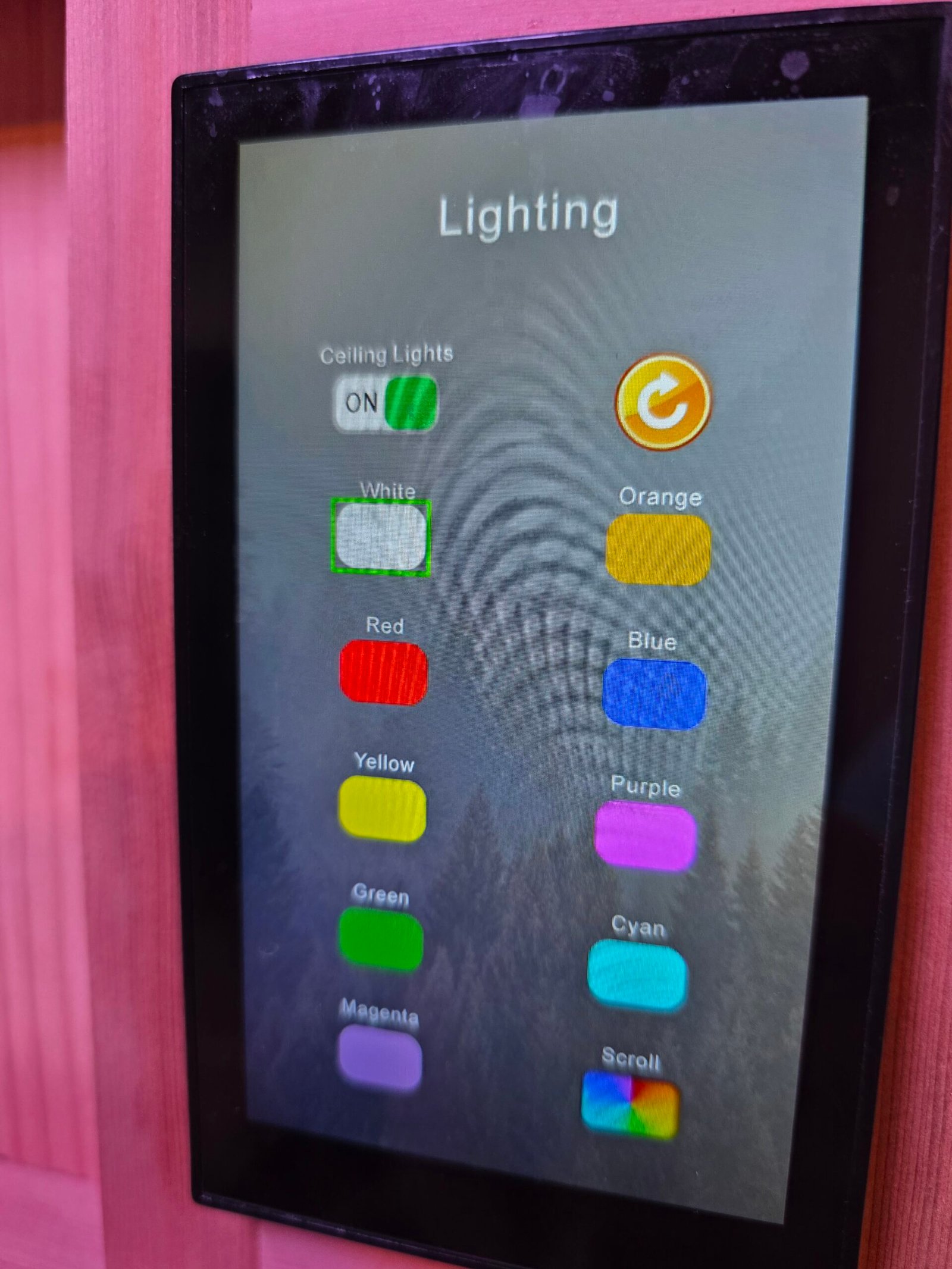
You can select the type of light or "Chromatherapy" you want from this menu.
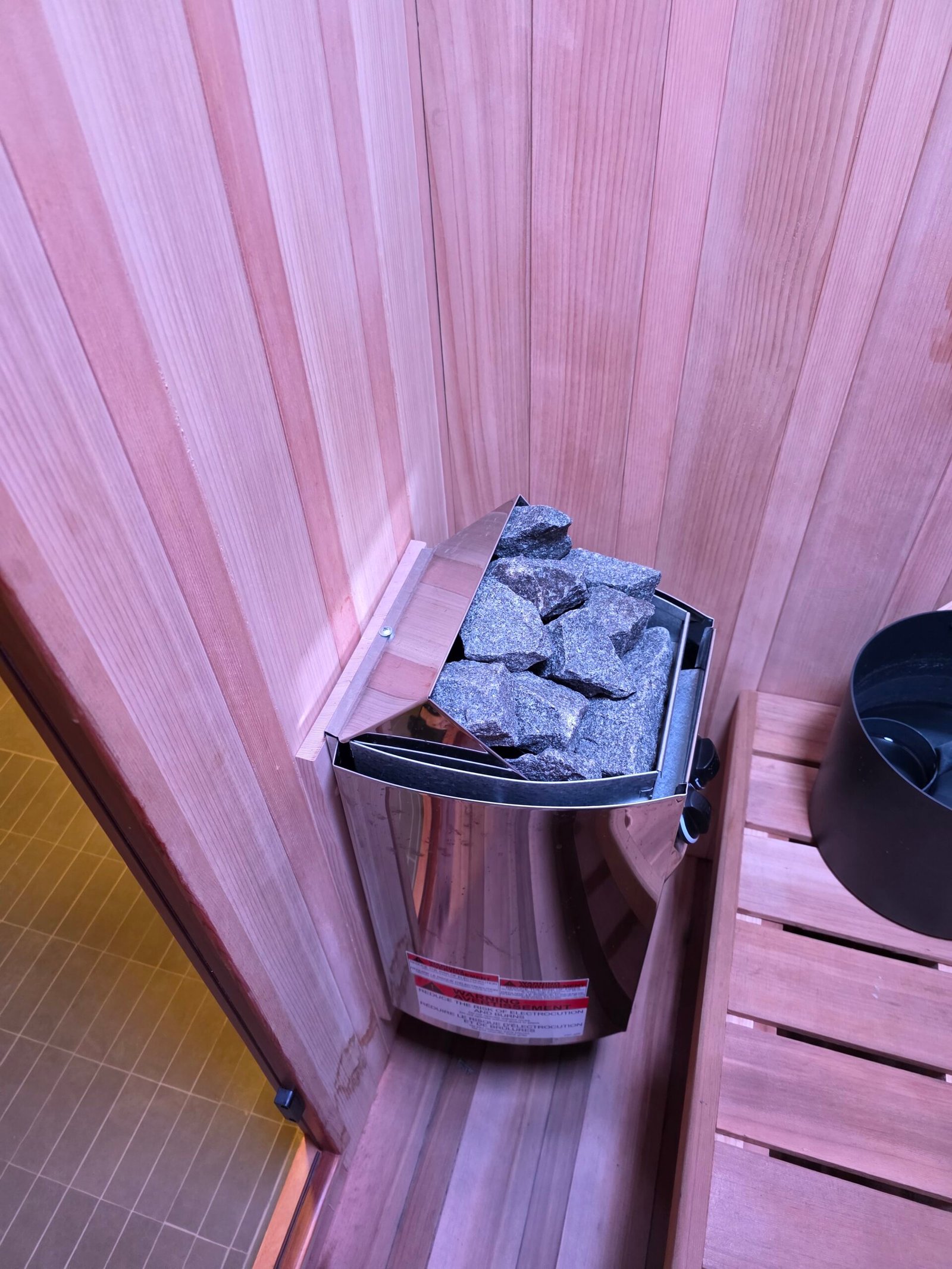
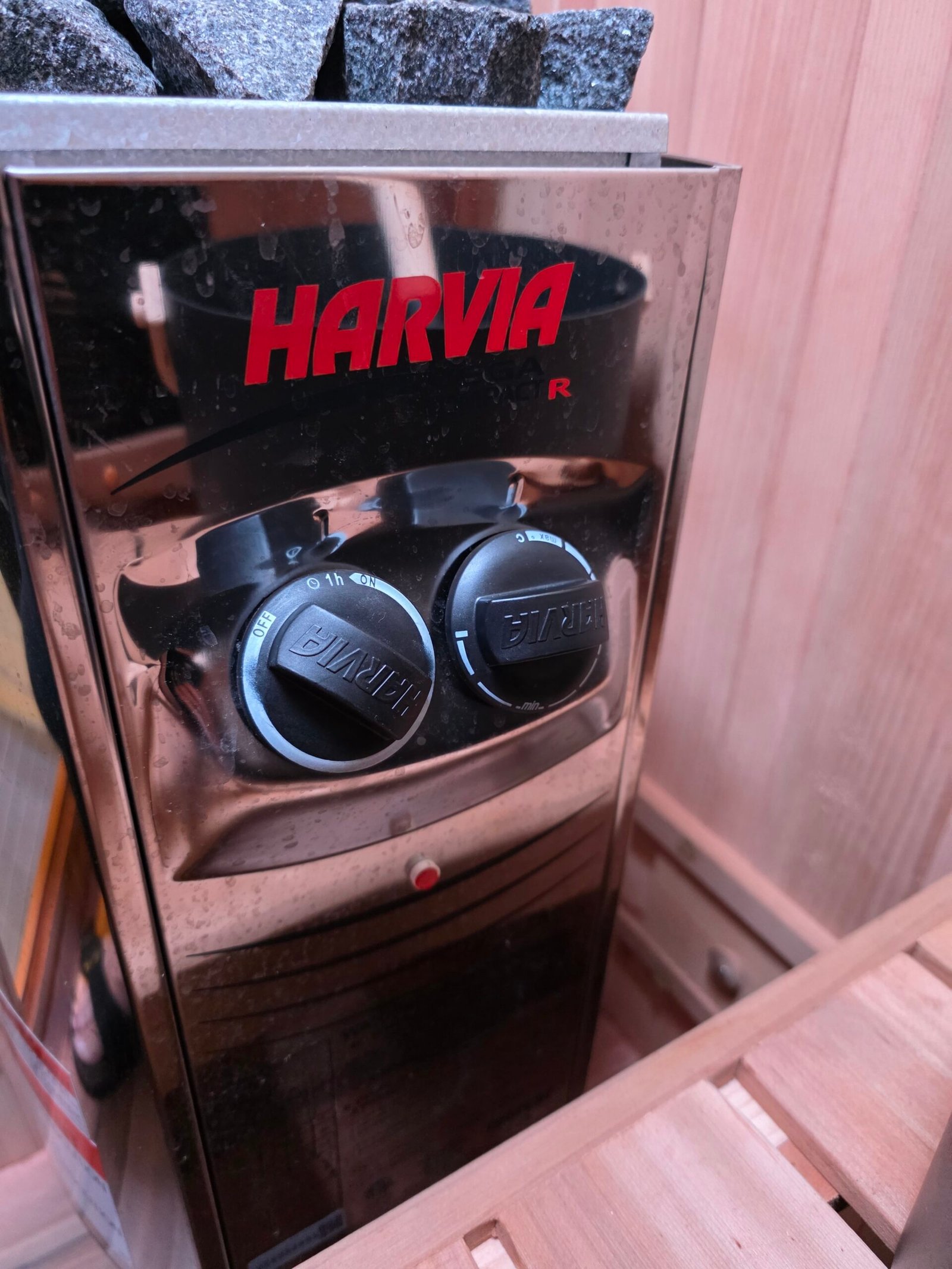
The dial on the right is the temperature, and the dial on the left is the timer. I suggest that you turn them both as far to the left as they will turn.
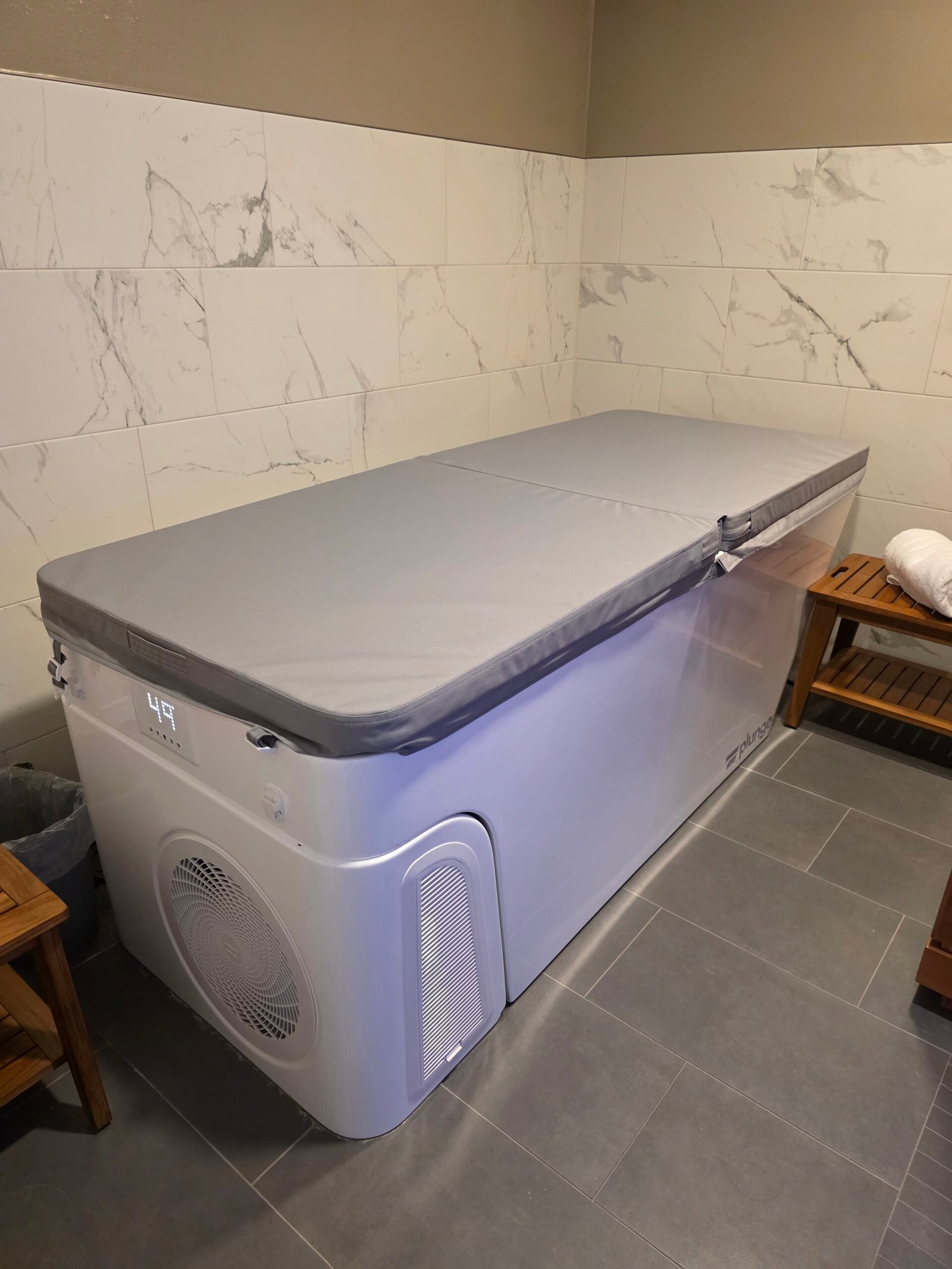
You can control the temperature of the plunge by using the control panel on the front. It takes a while to change the temperature significantly.
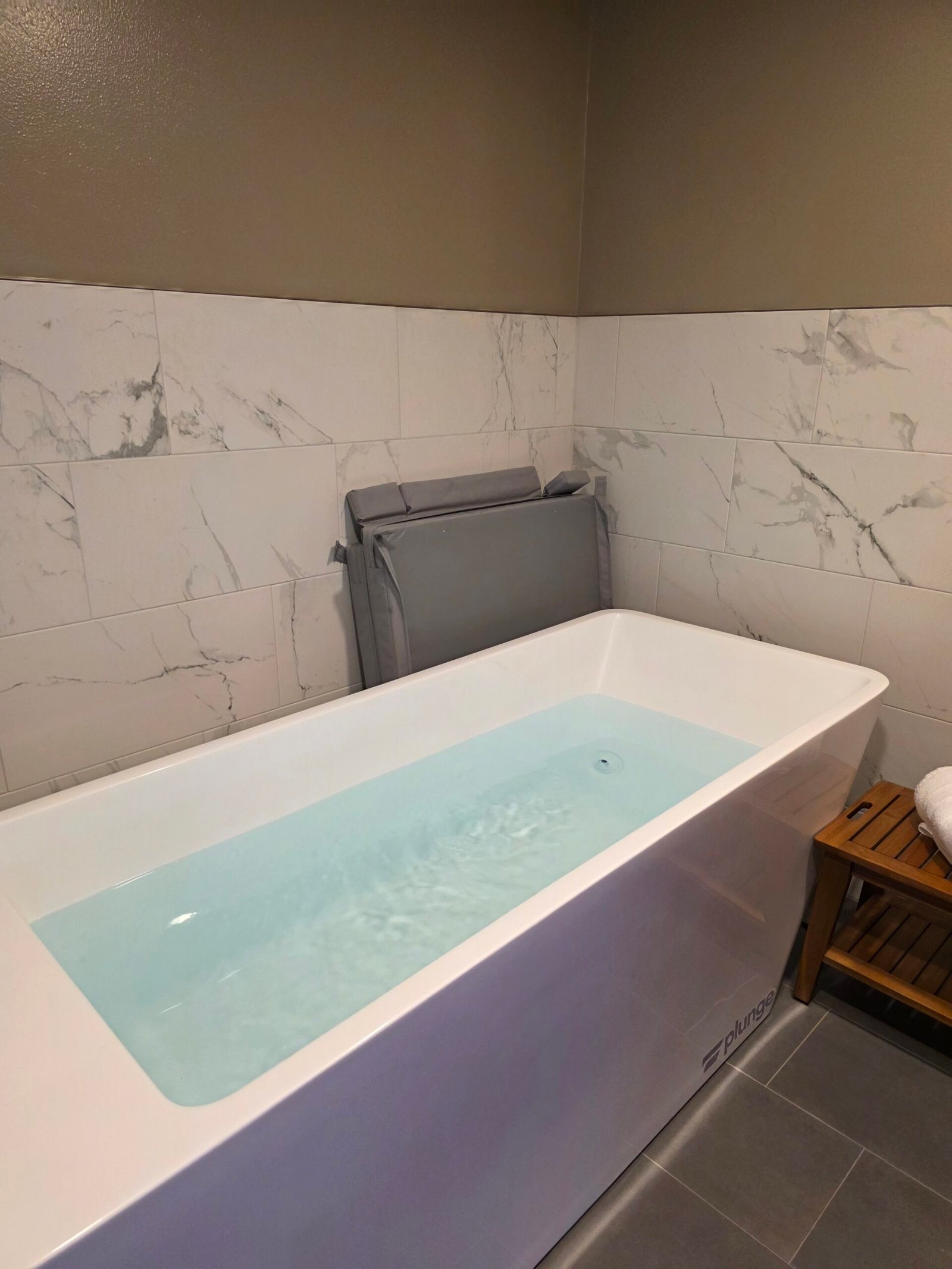
If the cover is still on, you can fold it up and put it in the back corner.